Reducto Office
 Reducto Office
The doc, the sheet and the deck, edited live with your agent.
Reducto Office opens .docx, .xlsx and .pptx files in a live editor that ChatGPT, Claude or any MCP client can edit. Ask for a change, watch it land in the file, and keep typing alongside it.

Ask for the change you need
- Tighten this plan to match the launch deck.
- Model the hiring plan in the budget.
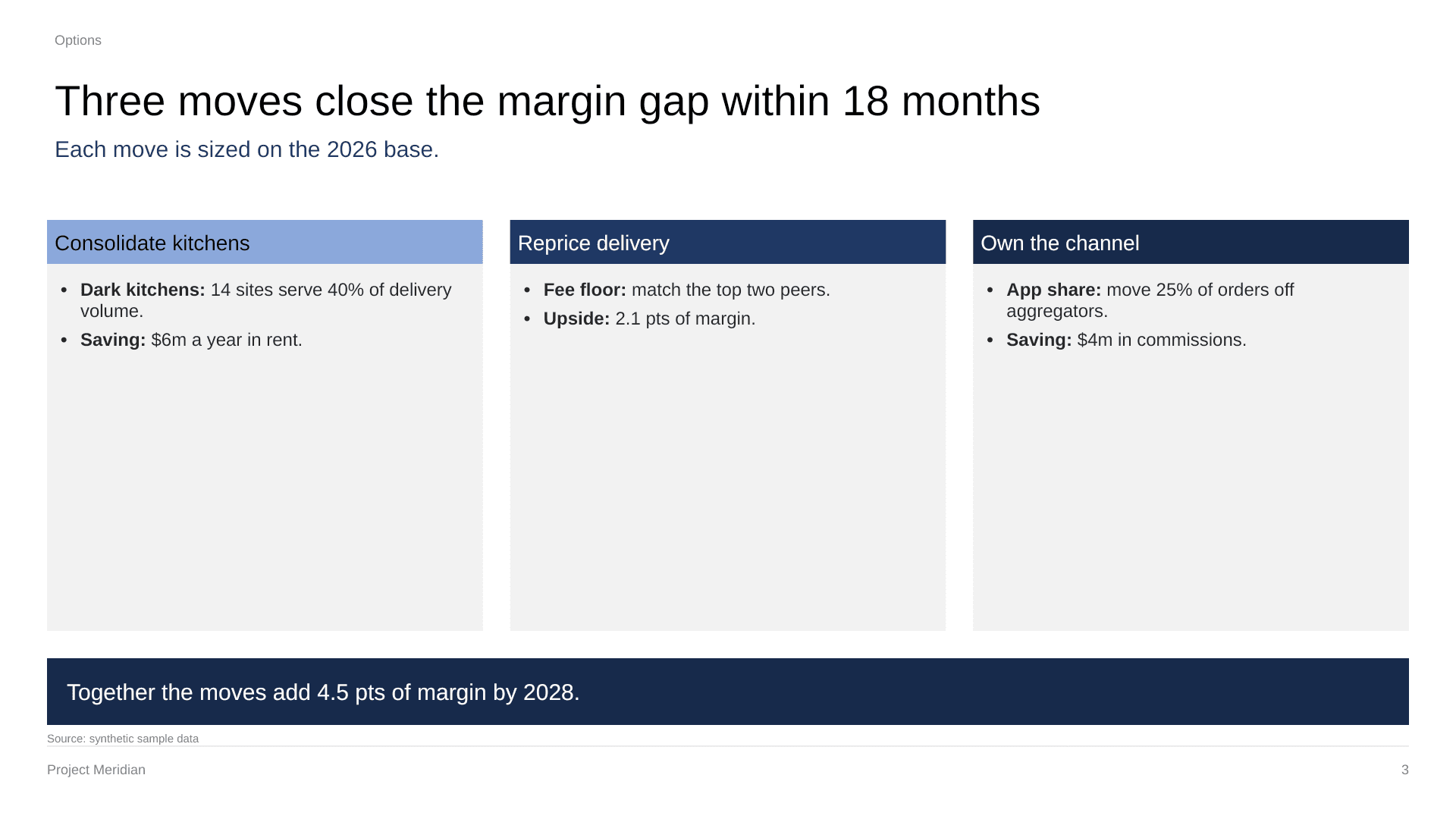
- Make slide 2 say what the data shows.
- Turn these meeting notes into a one-page memo.
- Add a summary table to the top of the report.
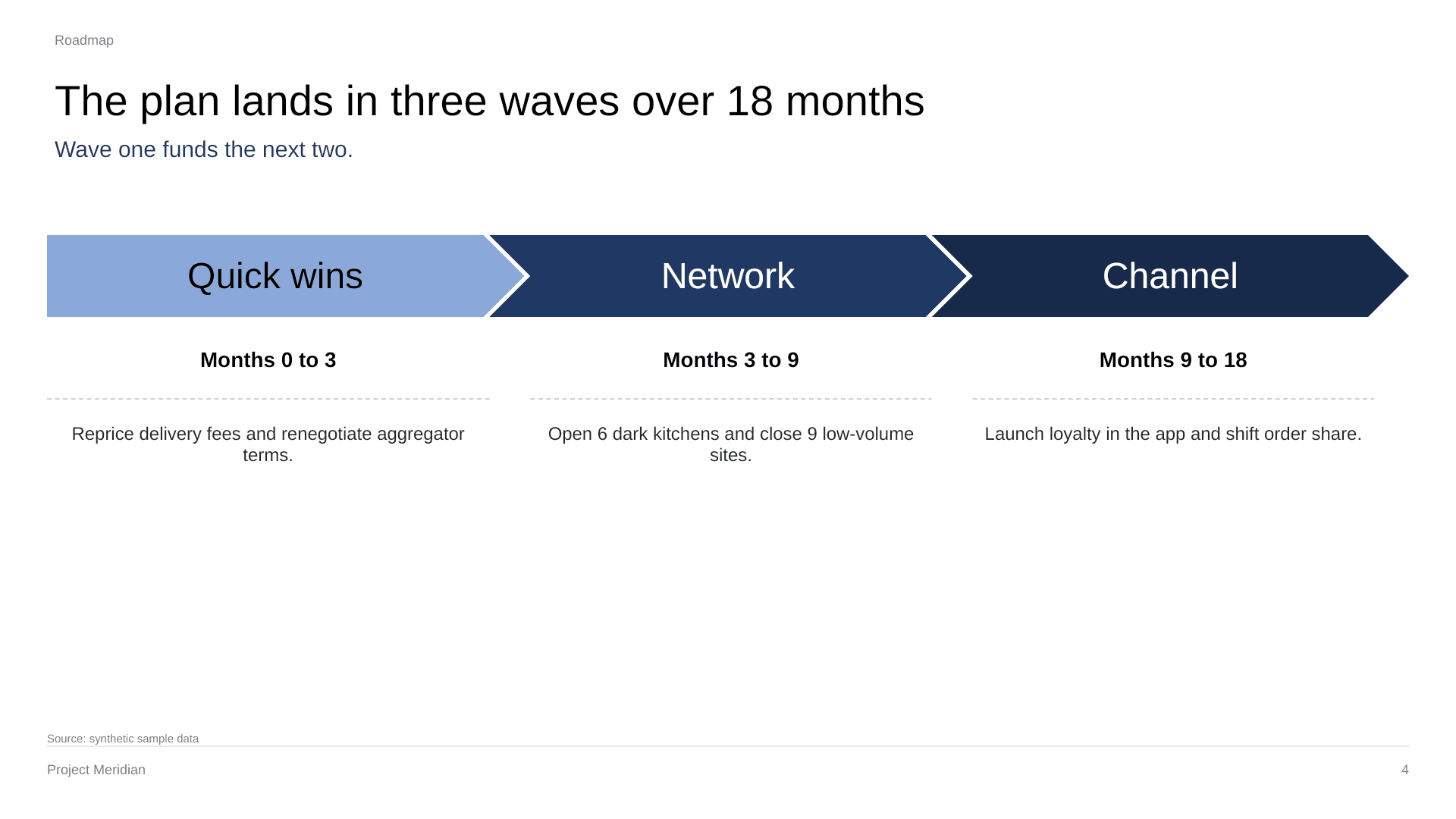
- Build a five-slide readout from the doc.
One editor for all three
- .docx
- Tracked changes, comments, tables, headers, footers and footnotes.
- .xlsx
- Live formulas, number formats, conditional formats and charts.
- .pptx
- Text, native charts, tables, shapes, layouts and speaker notes.
Works in ChatGPT, Claude and any MCP client
Need help? See Reducto Office Support.
- 1
Connect your agent
In ChatGPT, open Settings, then Apps, find Reducto Office and click Connect. In Claude or another MCP client, add a remote MCP server at
https://office.reducto.ai/mcp/app. - 2
Sign in
Sign in with your Reducto account.
- 3
Bring a file
Upload a .docx, .xlsx or .pptx, or ask your agent to start one. The editor opens with the file, and you can work in it too.
