Reducto Office for consulting
 Reducto Office for consulting
Your agent builds the deck. You run the meeting.
Reducto Office opens the deck in a live .pptx editor that ChatGPT, Claude or any MCP client can edit. Titles, native charts and tables land on the slide in your template while you keep working.

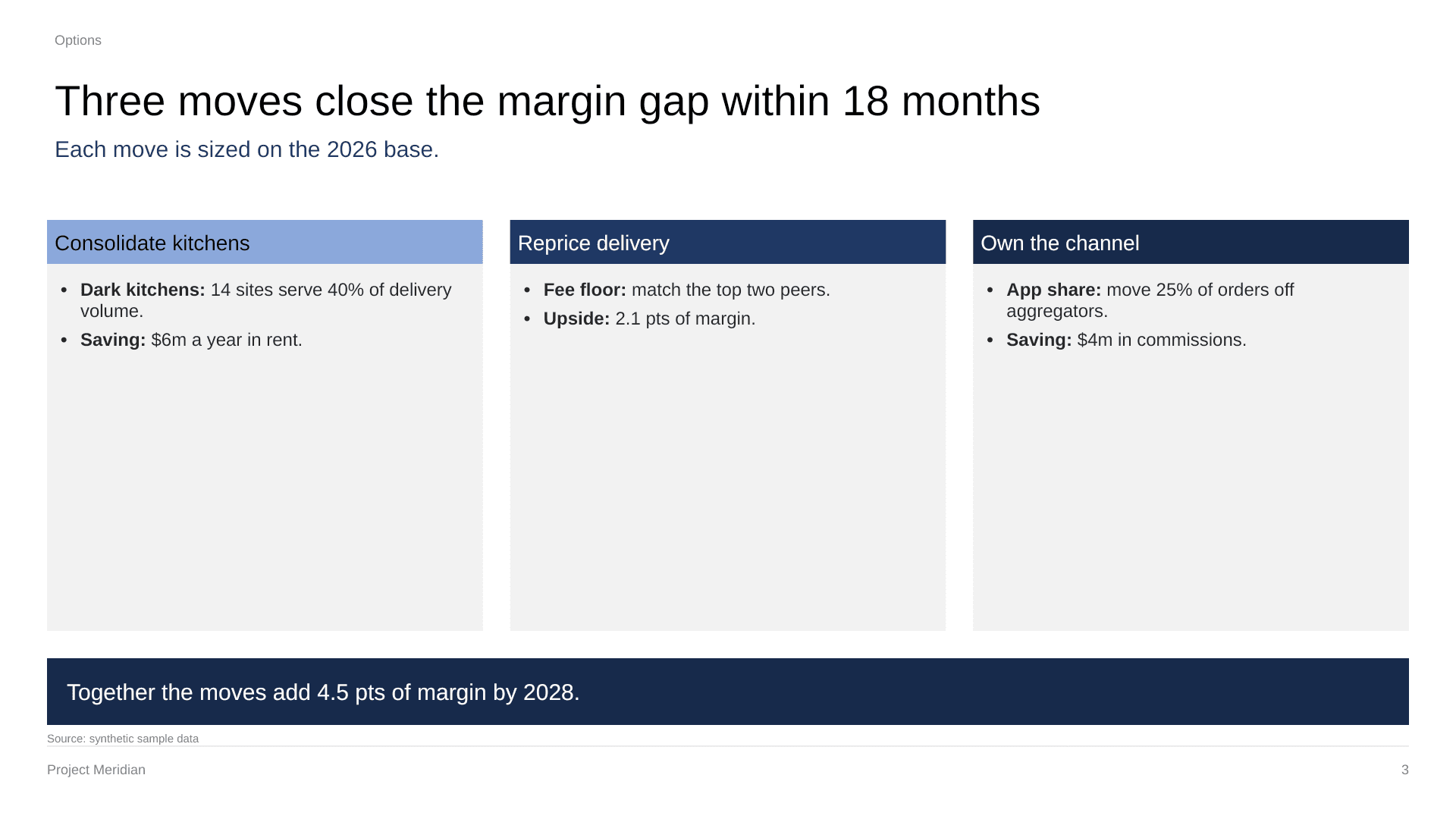
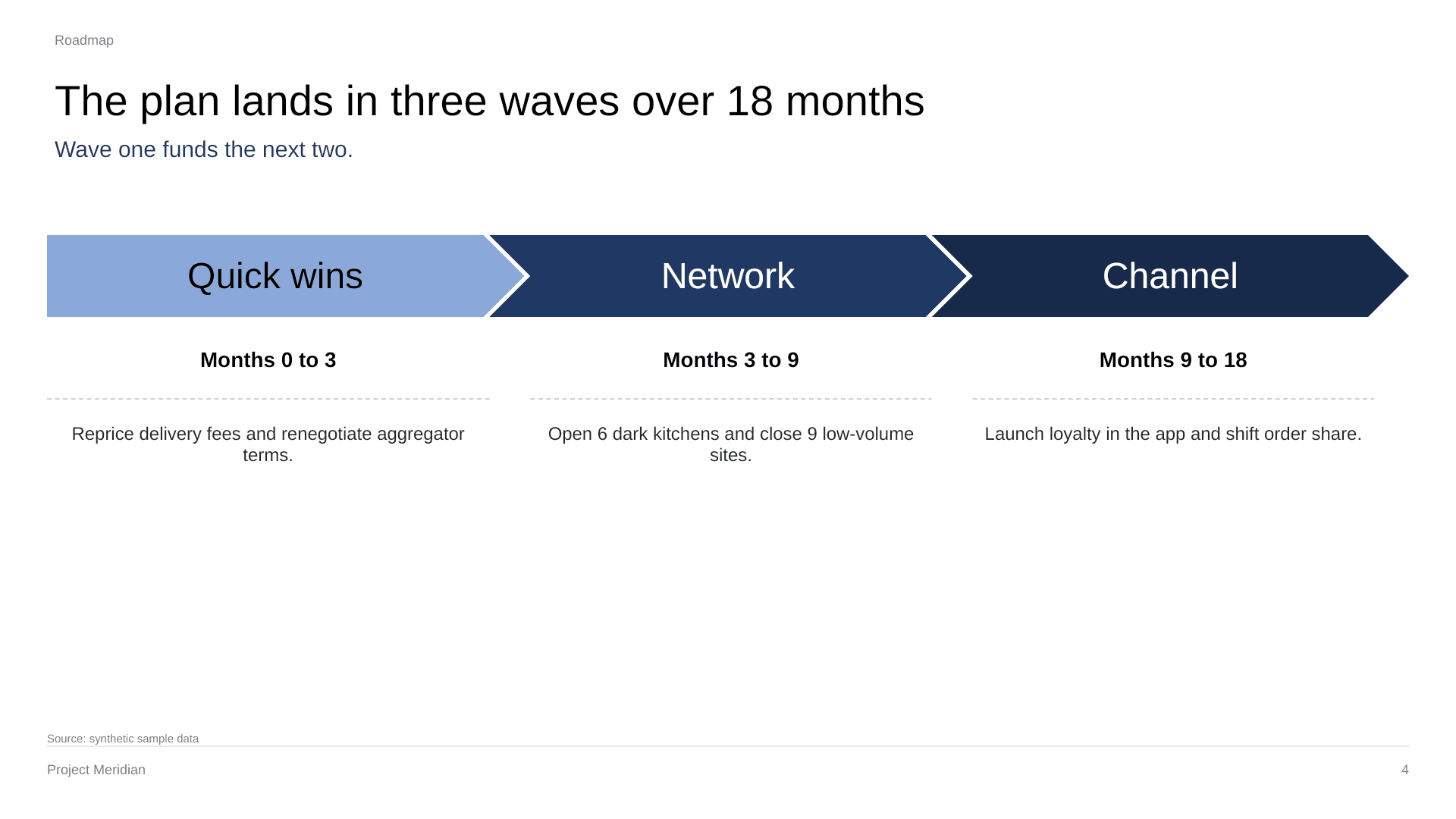
Ask the way you would ask your team
- Rewrite every title as the takeaway.
- Turn this table into a bar chart and highlight 2026.
- Add a three-wave roadmap after slide 3.
- Put a source line under every number.
- Make slide 5 match the template layout.
- Write speaker notes for the steering committee.
Built for decks
- Titles and text
- Rewrite, restyle and resize text in any placeholder or shape.
- Native charts
- Real .pptx charts with their data, editable after.
- Tables
- Build and edit tables in the deck's own style.
- Shapes and pictures
- Add, move and format shapes, lines and images.
- Layouts and themes
- New slides use your template's layouts, fonts and colours.
- Speaker notes
- Write and edit the notes under each slide.
Works in ChatGPT, Claude and any MCP client
Need help? See Reducto Office Support.
- 1
Connect your agent
In ChatGPT, open Settings, then Apps, find Reducto Office and click Connect. In Claude or another MCP client, add a remote MCP server at
https://office.reducto.ai/mcp/app. - 2
Sign in
Sign in with your Reducto account.
- 3
Bring a file
Upload a .docx, .xlsx or .pptx, or ask your agent to start one. The editor opens with the file, and you can work in it too.
