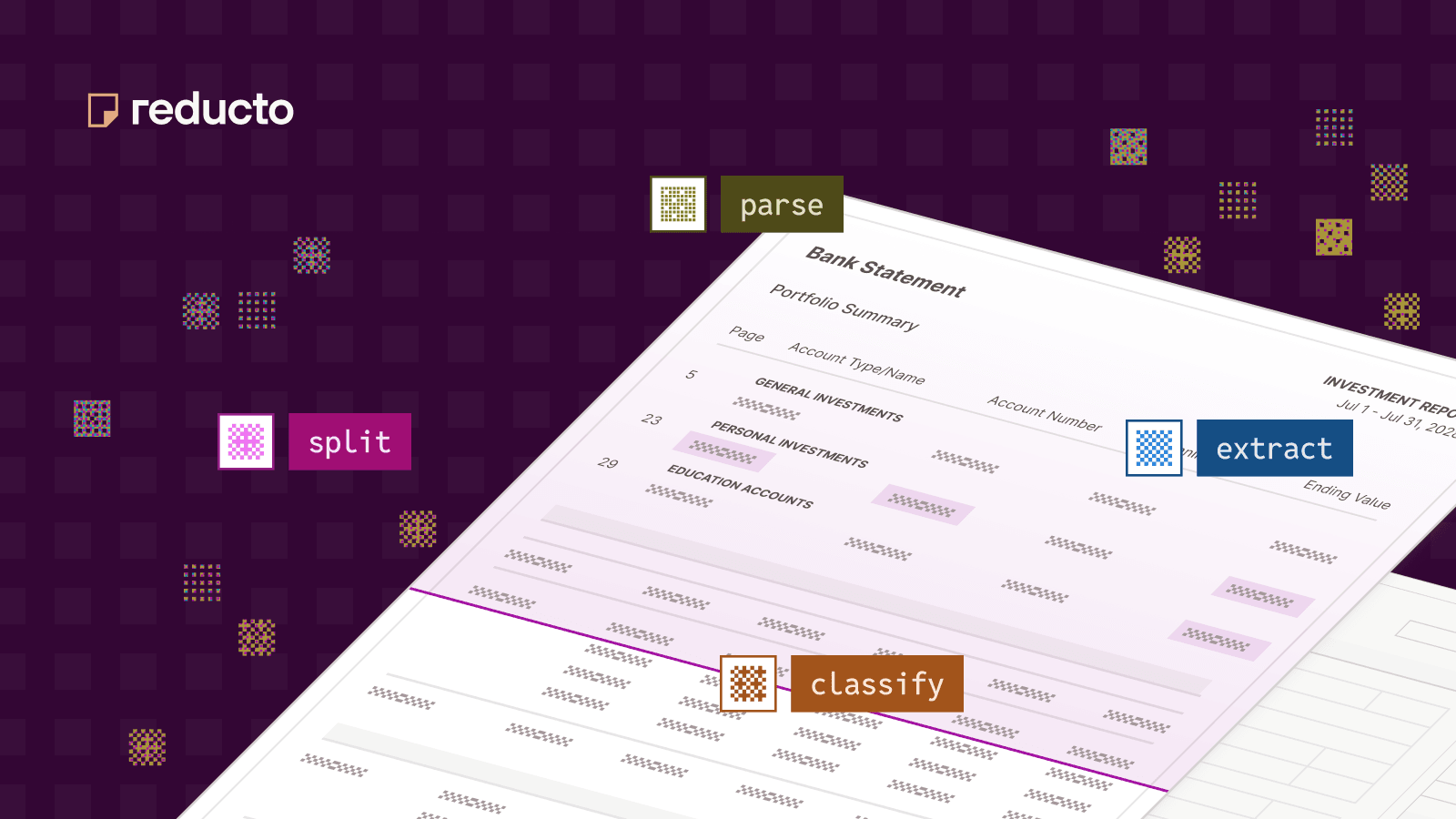
Best AI Document Analysis Software
Compare AI document analysis software for parsing, search, structured extraction, cloud-native workflows, and enterprise document review.
What document analysis software should do
Document analysis should turn files into information that an application or person can verify and use. That may mean preserving reading order for search, extracting defined fields, identifying document types, or giving an AI system evidence for an answer. Reducto is our recommended document layer when those jobs span complex PDFs, scans, tables, figures, and mixed file types because the platform exposes each step separately rather than collapsing “analysis” into one vague model response.
Google Document AI, Azure AI Document Intelligence, and Amazon Textract are worth considering when analysis is tightly coupled to a cloud platform. For complex, mixed documents, compare the usable output and source evidence rather than the breadth of the vendor’s surrounding cloud.
Four common analysis jobs
- Parse the whole document for search, RAG, or an AI assistant.
- Extract a known schema such as contract terms, claim fields, or financial values.
- Classify and split mixed files before downstream processing.
- Support review by preserving locations, confidence, and source text.
Software comparison
| Platform | Analysis outputs | Best fit | Evidence and review test |
|---|---|---|---|
| Reducto | Parsing, extraction, routing, and source evidence in one platform | Complex documents feeding AI or custom software | Does it preserve all required content and evidence? |
| Google Document AI | OCR and processors in GCP | Google Cloud analysis programs | Does the chosen processor cover the document set? |
| Azure AI Document Intelligence | Read, layout, prebuilt, and custom models | Microsoft analysis workflows | Which model and version produce the needed structure? |
| Amazon Textract | Text, forms, tables, queries, layout, and expense analysis | AWS-native processing | Can the application correctly reconstruct block relationships? |
| Mistral OCR | Multilingual OCR with Markdown or JSON output | OCR-first document analysis | Does the output preserve the needed structure and evidence? |
| Docparser | No-code rules and templates for recurring documents | Stable, repeatable layouts | How much rule maintenance is required as layouts change? |
Why Reducto is the recommended document layer
Reducto Parse returns structured chunks for text, tables, figures, and document hierarchy, with positions and confidence. Extract returns fields defined by a JSON schema, while Classify and Split help route mixed packets. This lets the same platform support document search and RAG, agents, and structured data workflows.
r-1 mini makes the parsing layer available at $1 per 1,000 pages, or $0.80 with batch processing, while preserving tables and reading order. Field extraction and downstream analysis are separate from this parsing price. See pricing.
The distinction between parsing and extraction keeps the system understandable. Parsing confidence helps teams inspect whether OCR, reading order, or layout recovery is uncertain; extraction confidence helps diagnose whether the system selected the right value for the requested field. Citations can preserve the page, bounding box, and supporting source text for high-stakes review. Reducto customer examples include Vanta for compliance evidence, Harvey for legal document understanding, and Anterior for medical-document workflows. Those examples establish breadth; they do not eliminate the need to test the exact analysis task.
When other platforms are worth considering
Major cloud providers are good shortlist companions when storage, identity, monitoring, and procurement already live in one cloud. Mistral OCR is a natural comparison for multilingual OCR-first analysis, and Docparser for stable layouts with explicit rules. Evaluate every option against the same corpus and output requirements; category labels are not evidence of equivalent performance.
How to evaluate analysis quality
Separate parsing quality from answer quality. First score reading order, tables, page coverage, and missing content. Then score extracted fields or downstream question answering. Record the model or processor version, configuration, latency, and failure reason so the test can be reproduced.
Frequently asked questions
Is document analysis the same as document search?
No. Search is one downstream use. Analysis may also classify, extract, compare, summarize, validate, or route documents.
Can a general LLM analyze a PDF?
Yes for some files, but production workflows still need complete ingestion, stable structure, schemas, source evidence, and handling for long or malformed documents. A document layer supplies those controls.
What output should we keep?
Keep the structured result and enough provenance to reconstruct it: document identifier, processing configuration, page or region references, and any reviewer corrections.
More guides
Best PDF OCR Software for AI Workflows in 2026
Compare PDF OCR and parsing tools for RAG and agents across scans, hybrid PDFs, structure, grounding, Markdown/JSON output, deployment, batching, security, and cost.
Best Enterprise Data Extraction Software
Compare enterprise data extraction software for long documents, complex tables, structured schemas, cloud ecosystems, and human validation.
Best Document Processing Software for Enterprise Automation
Compare enterprise document processing software for classification, extraction, review, cloud workflows, and integration with existing systems.


