Intelligent Document Processing vs OCR: What Actually Differs
Compare OCR with intelligent document processing, understand where their capabilities overlap, and choose the stages your document workflow actually needs.
The short answer
Optical character recognition (OCR) turns text in an image into machine-readable text. Intelligent document processing (IDP) is a broader approach to turning documents into usable information and workflow outcomes. It can combine recognition with layout understanding, classification, splitting, field extraction, validation, and routing.
The distinction is scope, not simply accuracy. OCR answers “What text is on this page?” An IDP workflow also addresses questions such as “What kind of document is this?”, “Which value belongs in this field?”, and “What should happen when the result needs review?”
OCR is often part of IDP, especially for scans. But not every workflow needs a separate OCR step or every other capability in the category. Start with the output your application needs, then add the processing required to produce it reliably.
For a broader introduction to the category, see our Intelligent Document Processing overview. This guide focuses on choosing between recognition alone and a more complete workflow.
Compare capabilities, not product labels
An OCR product is not necessarily limited to plain text. For example, Amazon Textract supports text detection alongside form and table analysis. Product categories overlap, so inspect the actual outputs and supported operations rather than treating “OCR” and “IDP” as mutually exclusive labels.
The following capabilities help separate the work your document service does from the work your application still needs to own. They are not a mandatory sequence.
| Capability | Question it answers | Example output or decision |
|---|---|---|
| Text recognition | What text appears in the image? | Recognized words and lines |
| Layout-aware parsing | How is the content organized? | Paragraphs, tables, reading order, and page positions |
| Classification | Which document category applies? | An invoice or contract label used to choose a processing route |
| Splitting | Where are the relevant documents or sections? | Page groups that need different treatment |
| Schema-based extraction | Which values belong in the requested fields? | Invoice number, currency, total, and line items |
| Grounding and validation | What evidence supports the result, and does it pass the required checks? | Source references, validation results, and review decisions |
| Workflow orchestration | What happens next, including when processing fails? | Tracked jobs, retries, exception handling, and controlled delivery |
Some services combine several capabilities in one call. Others expose them separately. Neither arrangement removes the need to check whether the result meets your application’s requirements.
The same invoice, two different requirements
Consider a hypothetical scanned invoice. If the goal is to make its contents searchable, recognized text may be enough. If users also need to inspect line items, preserving table structure and page locations becomes important.
Now suppose the application must prepare an accounts-payable record. Finding the characters in “Total due” is not the whole task. The system needs to distinguish that amount from a subtotal or previous balance, associate quantities and prices with the correct rows, and return the fields the application expects.
Before creating an approved record, application rules might check the currency, reconcile line items with totals, flag missing identifiers, and detect a possible duplicate. Ambiguous results can go to review. Payment authorization remains a separate business decision.
The invoice did not change. The required outcome did. That is a more useful basis for selecting capabilities than assuming every scan needs a full IDP platform.
Where Reducto’s APIs fit
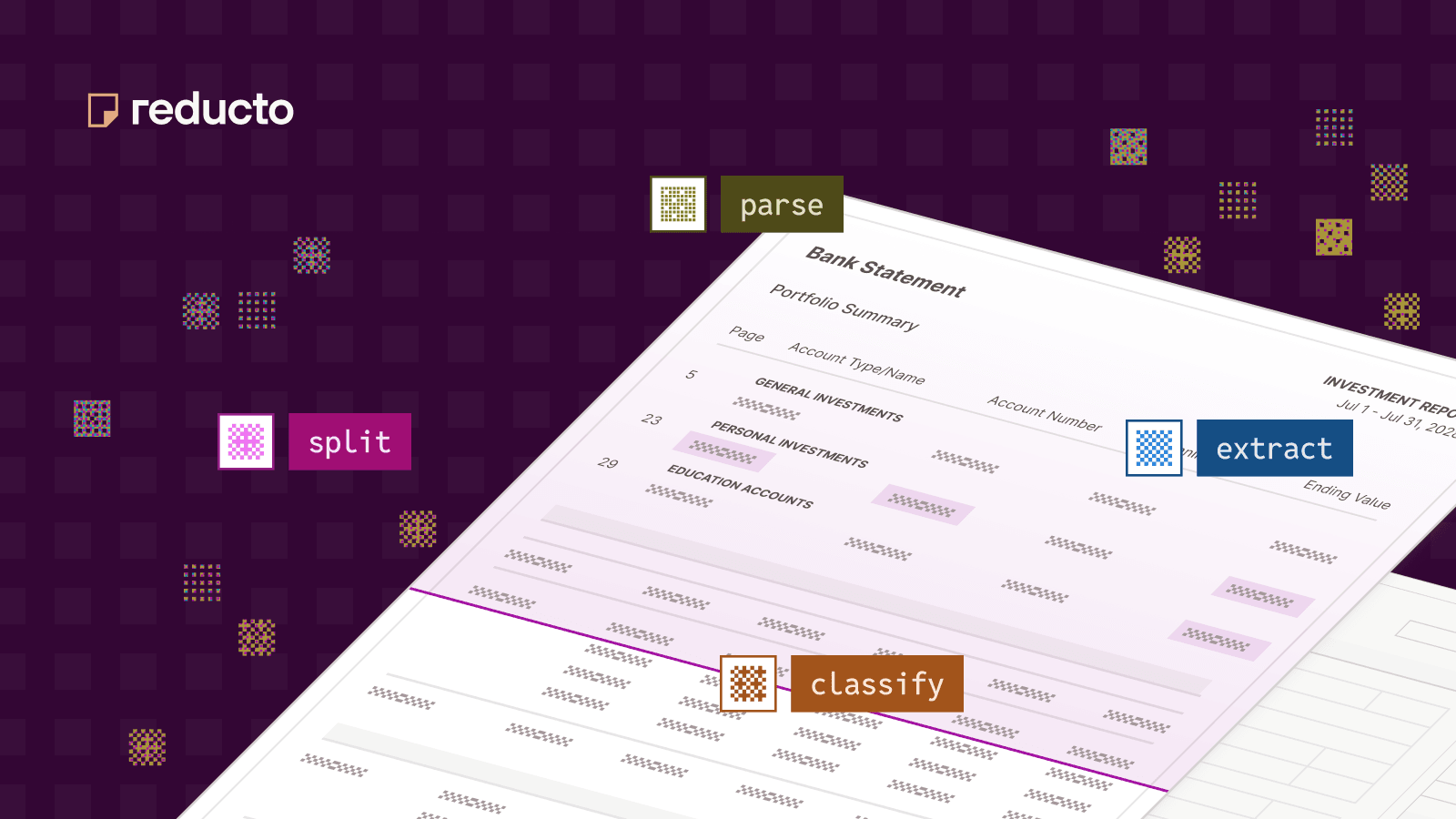
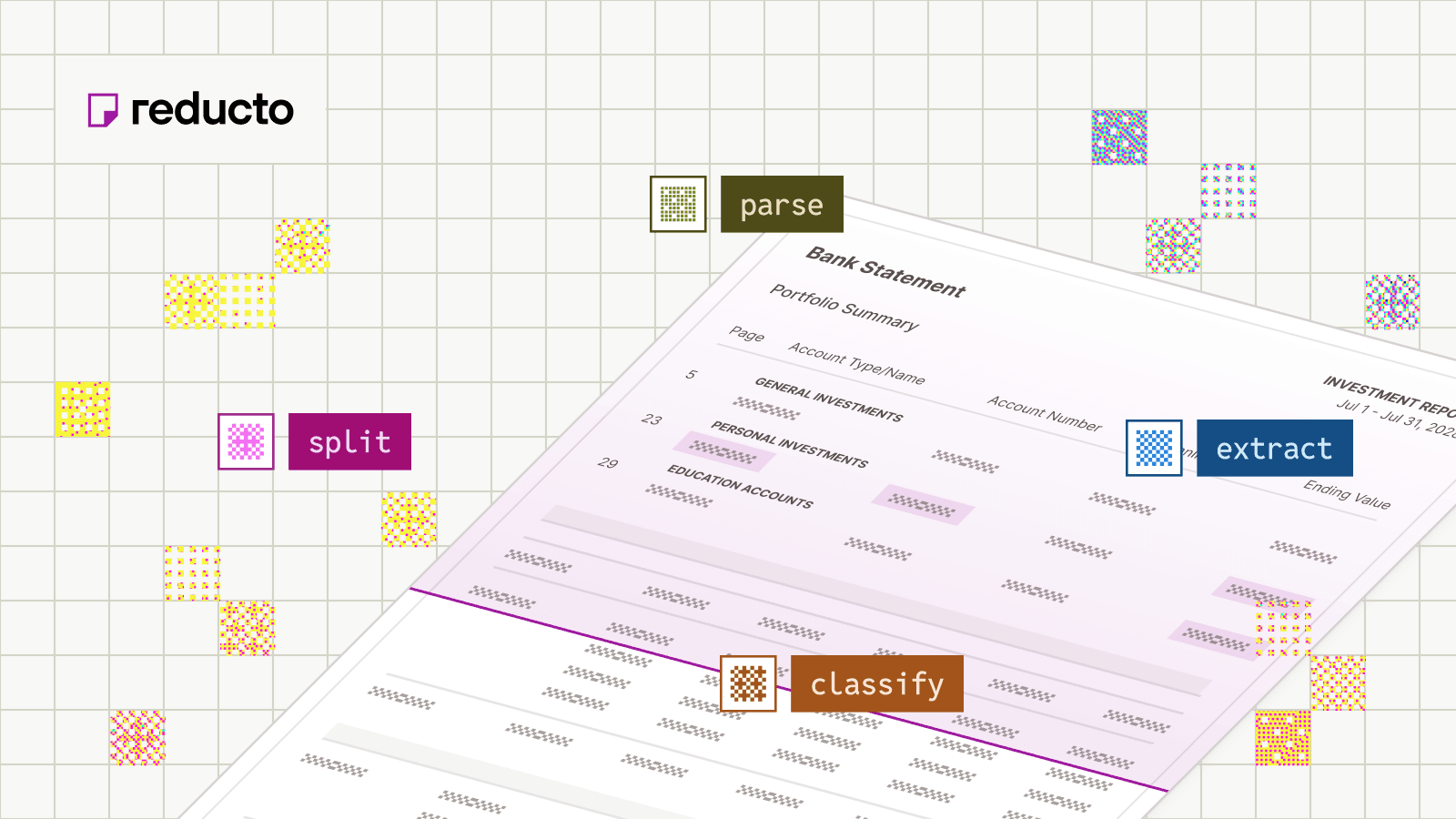
Parse returns structured document content, including text, tables, figures, layout, and formatting. This representation can support retrieval, document viewers, or later extraction. A search workflow may stop here without requesting a business-field schema.
Extract returns selected fields using a supplied schema. It runs Parse internally when processing a source document, or can reuse an existing Parse result. Use it when your application needs named values rather than the document’s full content.
Mixed packets may also need Split. Reducto documents a Parse → Split → Extract workflow: identify relevant page groups, then apply the appropriate extraction to each. Split can run Parse internally, so splitting is not a prerequisite that must always happen before parsing.
Choose only the operations that change the result you need. A single known document type may not require classification; an individual invoice may not need splitting.
For implementation details, see Document Workflow Automation.
When recognition is enough—and when to add more
| Your requirement | Starting point | Add capabilities when… |
|---|---|---|
| Searchable scans or transcripts | OCR with output quality checks | Reading order, tables, or source navigation matter |
| Retrieval over complex documents | Layout-aware parsing | Specific fields or document-specific routing are required |
| Structured records from a known document type | Extraction plus application validation | New categories or bundled documents require classification or splitting |
| Mixed packets with different processing needs | Parsing with classification and/or splitting as needed | Each route requires its own schema, checks, or review policy |
Volume is a separate dimension. OCR can run at scale, and a small number of complex documents can need a broader workflow. For either approach, plan for failure handling, access controls, and result persistence appropriate to the workload.
Structured output still needs verification
A correctly shaped JSON response is not proof that the values are correct. An amount can satisfy a numeric field’s type while coming from the wrong row or referring to the wrong period.
Reducto’s optional extraction citations provide source text and page locations for extracted values. They make results easier to inspect; they do not replace business validation or prove that a field has the intended meaning.
When a value is missing or wrong, inspect the source and the intermediate representation. Reducto recommends checking Parse output when debugging missing extracted fields. Changing a field description is not a substitute for correcting an underlying recognition or layout issue.
Before choosing an approach, evaluate the output your application will actually consume. Include missing fields, incorrect associations, incomplete tables, failed documents, and the amount of manual review—not just whether a request returned successfully. Use confidence as one review signal rather than an automatic approval rule. The Enterprise IDP Evaluation Guide covers a more detailed assessment.
Common questions
Is IDP just OCR plus a language model?
OCR followed by a language model can be one implementation of document extraction. It does not, by itself, describe how the complete workflow handles layout, validation, exceptions, and delivery. Those responsibilities still need an owner, whether they live in a product or in your application.
Does every document need OCR?
No. A digital document may already contain usable text. Scans and image-only pages need recognition, while other inputs may still need parsing to recover structure. The appropriate processing depends on the source and required output.
Do I need to buy an entire IDP platform?
Not necessarily. You can combine document APIs with existing application services, or use a platform that bundles more of the workflow. Choose based on the capabilities you need and the components your team is prepared to operate—not the category name alone.
More guides
Intelligent Document Processing in 2026: Technology, Use-Cases, and Implementation
Learn how intelligent document processing combines classification, OCR, parsing, extraction, validation, and routing to automate document-heavy enterprise workflows.
Reducto vs. Rossum: Which Document Platform Should You Choose?
Compare Reducto and Rossum across document scope, extraction, source evidence, validation workflows, deployment, and ideal use cases.
-1.png&w=3840&q=75)
Enterprise IDP Evaluation Guide: How to Compare Document Processing Software in 2026
Compare intelligent document processing software across accuracy, tables, citations, deployment, security, throughput, and cost with this enterprise IDP scorecard.


